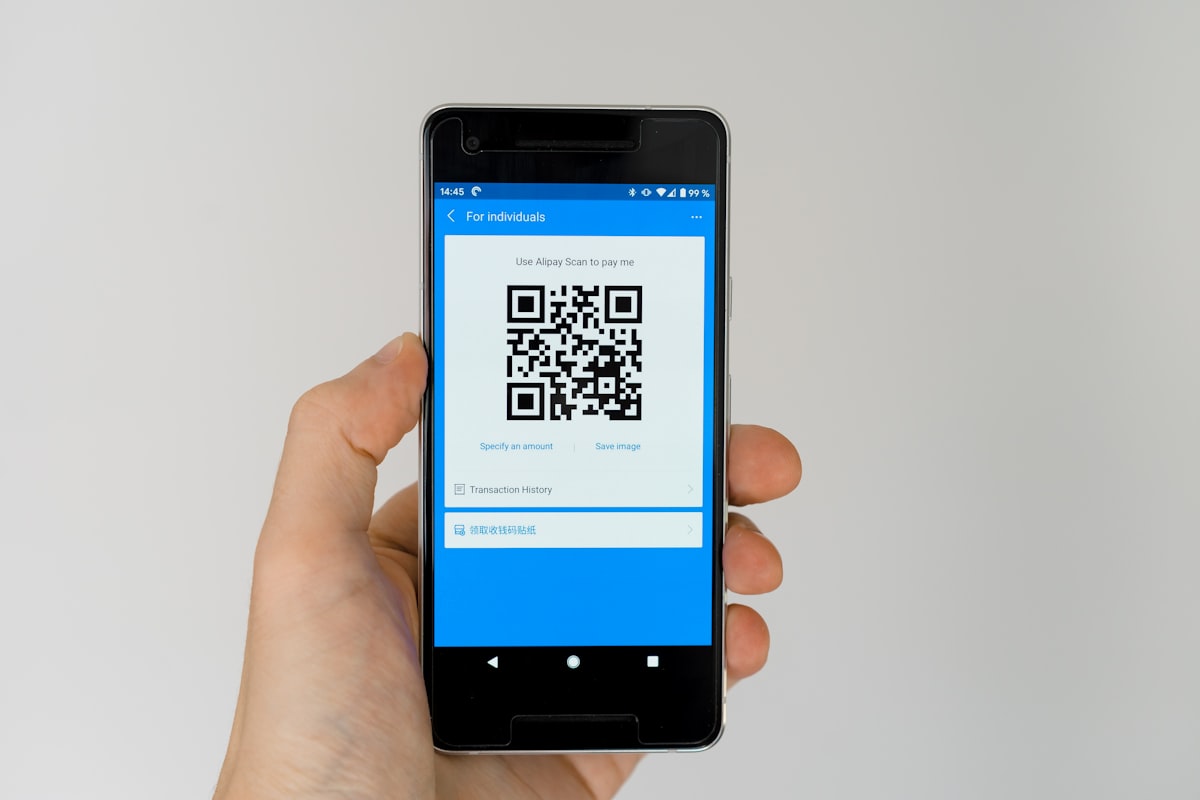
QR codes went from "what's that?" to ubiquitous in just a few years. Restaurant menus, payment systems, event tickets, product packaging—they're everywhere. Let's understand how they work and how to use them effectively.
What Is a QR Code?
QR (Quick Response) code is a two-dimensional barcode invented by Denso Wave in 1994 for tracking automotive parts. Unlike traditional barcodes, QR codes store data both horizontally and vertically, enabling more information in less space.
Key specifications:
- Capacity: Up to 4,296 alphanumeric characters
- Error correction: Readable even when partially damaged
- Versions: 40 versions from 21×21 to 177×177 modules
- Data types: Text, URLs, contact info, WiFi credentials, more
Create your own with our QR code generator.
How QR Codes Work
Structure
Every QR code contains:
- Finder patterns: Three large squares in corners for detection and orientation
- Alignment patterns: Smaller squares for distortion correction
- Timing patterns: Alternating modules defining row/column positions
- Format information: Error correction level and mask pattern
- Data and error correction: The actual encoded information
Error Correction
QR codes use Reed-Solomon error correction with four levels:
- L (Low): 7% damage recovery
- M (Medium): 15% damage recovery
- Q (Quartile): 25% damage recovery
- H (High): 30% damage recovery
Higher error correction allows logos in the center but increases size.
Common QR Code Uses
URLs and Websites
The most common use—link to websites without typing. Track marketing campaigns with UTM parameters.
Contact Information (vCard)
Encode name, phone, email, address. Scan to add contact instantly.
WiFi Access
Encode network name, password, and security type. Guests scan instead of typing long passwords.
Payment Systems
Many payment apps use QR codes for peer-to-peer transfers and merchant payments.
Product Authentication
Unique QR codes verify genuine products and track supply chains.
Event Tickets
Digital tickets display QR codes for quick scanning at entry.
Best Practices for QR Code Design
Size Matters
Minimum size depends on scanning distance:
- Phone at arm's length: 2cm minimum
- Poster at 1 meter: 4cm minimum
- Billboard at 10 meters: 40cm minimum
Rule of thumb: QR size should be 1/10 of scanning distance.
Contrast Is Essential
Dark modules on light background work best. Avoid:
- Low contrast combinations
- Inverted colors (light on dark)
- Complex background patterns
Quiet Zone
Maintain white space around the QR code—at least 4 modules wide. Crowded placement causes scanning failures.
Testing
Always test before printing:
- Multiple devices and apps
- Different lighting conditions
- Actual print material
- Various distances
Adding Logos to QR Codes
Logos are possible because of error correction, but:
- Use high error correction (H level)
- Keep logo under 30% of QR area
- Center the logo
- Maintain contrast around logo
- Test extensively
Dynamic vs. Static QR Codes
Static QR Codes
- Data encoded directly in the code
- Cannot be changed after creation
- Free to create
- No tracking capabilities
Dynamic QR Codes
- Encode a short URL that redirects
- Destination can be changed anytime
- Track scans, locations, devices
- Usually require paid service
QR Code Security
Be cautious when scanning:
- QR codes can link to malicious websites
- Preview URLs before visiting
- Be wary of codes on public surfaces (could be pasted over legitimate ones)
- Use browsers with phishing protection
Creating QR Codes
Our QR code generator creates codes for:
- URLs and websites
- Plain text messages
- Contact information
- WiFi credentials
Download in multiple formats for print or digital use.


