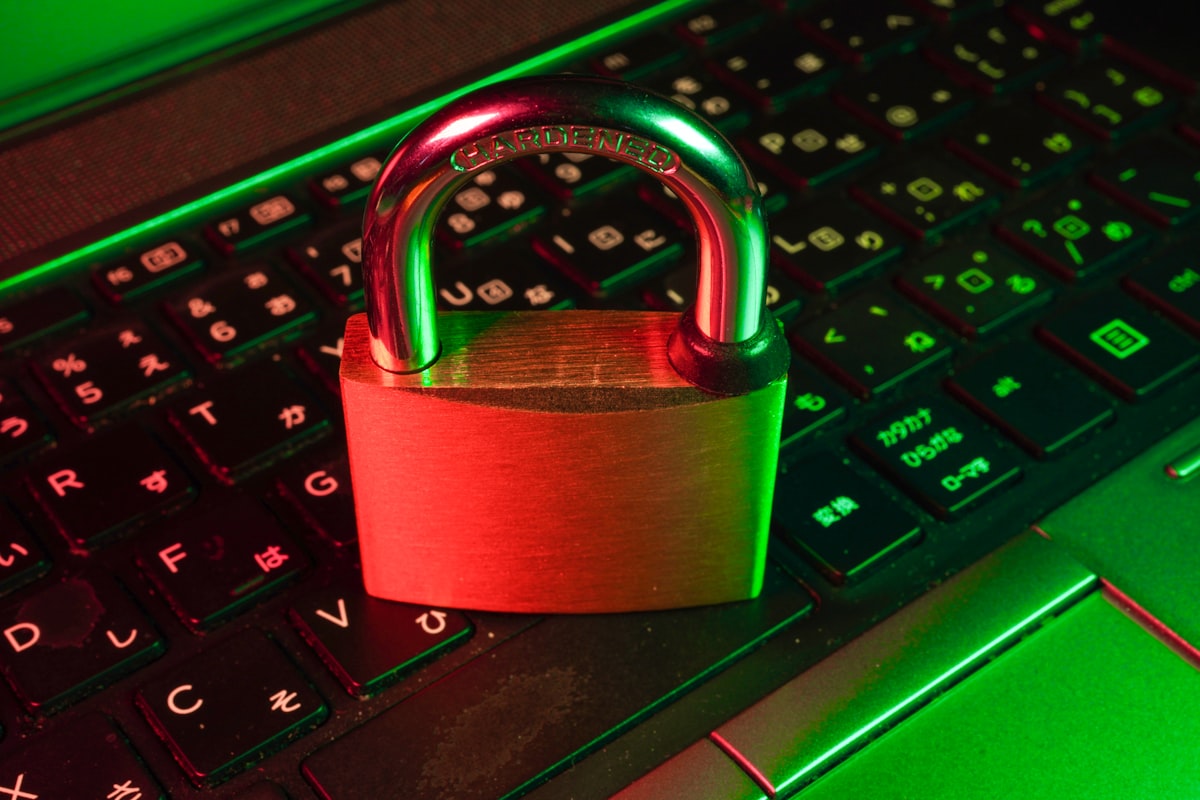
In 2023, "123456" remained the world's most common password for the fifth consecutive year. Millions of people protect their digital lives with passwords a hacker could crack in under one second. Let's change that.
How Hackers Crack Passwords
Understanding attack methods helps you defend against them:
Brute Force Attacks
The attacker tries every possible combination. A 6-character lowercase password has about 308 million possibilities—sounds like a lot, but modern computers can try billions of combinations per second. That "secure" password falls in milliseconds.
Dictionary Attacks
Instead of random combinations, hackers try common words, phrases, and known passwords. They've compiled databases of billions of leaked passwords. If yours matches any of them, you're compromised instantly.
Social Engineering
Sometimes the easiest attack is just asking. Phishing emails, fake login pages, and phone calls trick people into revealing passwords directly.
Credential Stuffing
When one site gets breached, attackers try those email/password combinations on other sites. If you reuse passwords, one breach compromises everything.
What Makes a Password Strong?
Password strength comes from unpredictability:
- Length: Each additional character exponentially increases cracking time
- Complexity: Using mixed case, numbers, and symbols expands possibilities
- Randomness: Human-created passwords follow patterns; true randomness doesn't
- Uniqueness: Never reused across multiple accounts
Password Length vs. Complexity
Here's a comparison of cracking times (using 2023 computing power):
- 8 characters, lowercase only: ~2 hours
- 8 characters, mixed case + numbers: ~8 hours
- 8 characters, mixed case + numbers + symbols: ~8 days
- 12 characters, lowercase only: ~3 years
- 12 characters, mixed case + numbers + symbols: ~34,000 years
- 16 characters, mixed case + numbers + symbols: ~1 trillion years
Length matters more than complexity, but both together provide the best protection.
Creating Strong, Memorable Passwords
The best password you can't remember is worse than a good password you can. Here are strategies that work:
The Passphrase Method
String together random words: "correct horse battery staple" is far stronger than "Tr0ub4dor&3" and easier to remember. Add some capitals and numbers: "Correct7Horse!Battery2Staple"
The Sentence Method
Take a memorable sentence and use first letters: "My daughter Sarah was born in Chicago in 2015!" becomes "MdSwbiCi2015!"
The Random Generator Method
Use a password generator to create truly random passwords, then store them in a password manager. This is the most secure approach.
Password Managers: The Modern Solution
Password managers solve the impossible problem of remembering dozens of unique, complex passwords. Benefits include:
- Generate and store unlimited unique passwords
- Auto-fill on websites and apps
- Sync across all your devices
- Alert you to weak or reused passwords
- Notify you if your passwords appear in breaches
You only need to remember one strong master password—the manager handles everything else.
Two-Factor Authentication: Your Second Line of Defense
Even a perfect password can be stolen. Two-factor authentication (2FA) adds another verification step:
- SMS codes: Better than nothing, but vulnerable to SIM swapping
- Authenticator apps: Much more secure, no phone number needed
- Hardware keys: Physical devices providing the strongest protection
Enable 2FA on every account that offers it, especially email, banking, and social media.
Testing Your Password Strength
Before trusting a password, test it. Our password strength checker evaluates:
- Length and character variety
- Common patterns and substitutions
- Dictionary word detection
- Estimated time to crack
Business Password Policies
Organizations should implement:
- Minimum 12-character passwords
- Required password manager usage
- Mandatory 2FA for all accounts
- Regular security awareness training
- Breach monitoring services
- No password expiration (NIST now recommends against forced changes)
What to Do If You've Been Breached
If you discover your password in a data breach:
- Change it immediately on the affected site
- Change it anywhere else you used the same password
- Enable 2FA if not already active
- Monitor accounts for suspicious activity
- Consider a credit freeze if financial data was exposed
Your digital security starts with strong passwords. Generate secure ones with our password generator and check existing passwords with the strength checker.



